Auto-generated 1099 forms

Automatically create draft 1099s from vendor payments

Prepare draft Forms 1099-NEC and 1099-MISC from the vendor and payment data you already have. Review and finalize before filing through Tax1099.

  • W-9 and TIN data
  • ACH and check payments
  • Payment tracking
  • Auto-drafted 1099 forms
  • Tax1099 e-filing

A workflow that connects vendor and payment details with 1099 draft preparation

Paying vendors for their services happens throughout the year. But reporting the payments usually starts months later. And it often involves tax teams rebuilding vendor data, tracking down missing details, and payment totals from different sources like accounting records, spreadsheets, and email. Preparing 1099s and payments are often treated as two separate projects. Zenwork Payments connects these processes to help businesses pay 1099 vendors while using the same vendor and payment data to prepare applicable draft 1099 forms.

Onboard vendors and import bills

Complete the vendor onboarding process by collecting data, such as contact details, W-9, taxpayer, and payment information.

A finance team member in glasses and a buttoned shirt reviewing a printed report of figures at his desk, with a laptop open beside him

Custom approval workflow for payments

Set custom approval rules to route payments to the right approvers and reviewers before they are processed.

Pay 1099 vendors

Pay vendors for their services using secure ACH or checks and record each payment against the vendor profile.

Track vendor payments

Keep track of the payment activity throughout the year, including status, history, and year-to-date activity associated with the vendor.

Create draft 1099 forms

Automatically generate applicable Form 1099-NEC or Form 1099-MISC drafts in the system from the vendor and payment data.

Auto-generate 1099 drafts in 5 easy steps

  1. Onboard the vendor and collect their details.
  2. Set up the approval process and schedule payments via ACH or check.
  3. Record each completed payment automatically.
  4. Auto-draft Form 1099-NEC or Form 1099-MISC using the vendor and payment details.
  5. Verify the information before proceeding to Tax1099 for e-filing.

Zenwork Payments automates draft preparation, but not the actual reporting and filing. Your team still needs to review each record before it is submitted.

Track vendor payments throughout the year

Make 1099 payments to vendors easier to review by keeping payment history connected to each vendor’s record from the start.

With Zenwork Payments, get a clearer view of vendor information, W-9, eDelivery consent and TIN status, completed payments, year-to-date activity, and draft readiness. QuickBooks Online or QuickBooks Desktop integrations help sync and align vendor and payment data between systems.

Vendor information

Keep the legal name, address, W-9, TIN, and payment details within the vendor’s record.

Payment history

Review ACH and check payments, including transaction history for each vendor.

Year-to-date activity

Track and view connected payment records to determine reportable amounts.

Draft readiness

Review whether the information is complete enough for an applicable 1099 draft.

Zenwork Payments keeps payment and tax information organized, but it does not make the final tax-reporting decision for the business. The business remains responsible for determining reportable payments and the applicable 1099 form.

Build 1099 drafts from connected payment data

To auto-generate a draft 1099, both the vendor and payment record must be complete and accurate.

Form 1099-NEC Draft
Recipient Northline Design
TIN ••4821
Box 1 $18,450.00
Review before filing

Vendor information

  • Legal or business name
  • Business address
  • Taxpayer Identification Number (TIN)
  • Federal tax classification from Form W-9
  • Contact and payment details

Connected payment information

  • Vendor linked to the payment
  • Payment dates and status
  • ACH and check payment history
  • Year-to-date payment activity
  • Records available for review and reconciliation

Draft Form 1099-NEC or Form 1099-MISC

Automatically prepare applicable draft Form 1099-NEC or Form 1099-MISC using vendor information and the connected payment history stored in Zenwork Payments.

Move from payments to 1099 filing without interrupting the review process

Auto-generated 1099 drafts happen in stages. A draft is prepared automatically, and the filing happens after review. This approach helps teams save time on draft preparation without giving up control over the final filing decision.

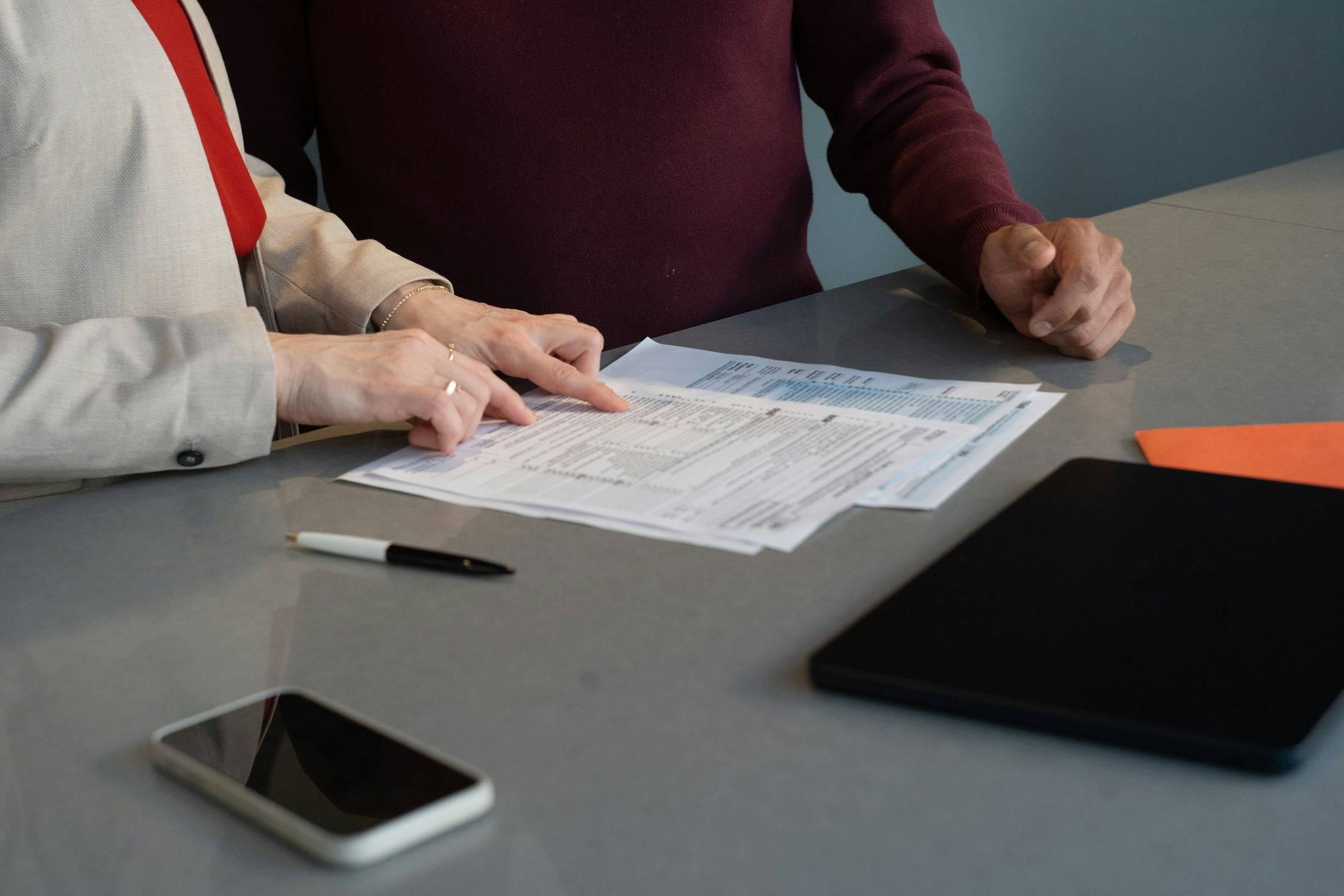
Two colleagues going through a printed tax form together, one pointing to a line on the page
  1. 01

    Auto-draft in Zenwork Payments

    Use the vendor and payment records to auto-populate a draft Form 1099-NEC or Form 1099-MISC.

  2. 02

    Review and finalize

    Check the recipient’s details, payment totals, form type, and any errors or missing information.

  3. 03

    E-file through Tax1099

    Once the review is complete, e-file and deliver recipient copies of the applicable form via Tax1099.

Manage every payee type in one workflow

Keep different vendor groups within the same workflow from payment activity through 1099 draft preparation.

Independent contractors and freelancers

Maintain W-9 details and payment information to support ongoing 1099 preparation.

Subcontractors and field-service providers

Track recurring payments and maintain vendor details and tax information.

Professional service providers

Organize payee information and payment history for service providers.

For teams comparing vendor management software with payments.

Zenwork Payments focuses on the financial side of vendor management, from onboarding, payment execution, and tracking to 1099 draft preparation.

  • Vendor onboarding data
  • ACH and check payments
  • Payment tracking and history
  • Auto-draft Forms 1099-NEC/MISC
  • Tax1099 e-filing connection

Why connect payment activity to 1099 preparation?

Less duplicate entry

Reuse vendor and payment details that are already available instead of rebuilding the same data.

Identify missing information gaps

Collect W-9 and TIN information earlier to make it easier to spot incomplete vendor information.

Clearer year-end review

Review vendor payment history and draft readiness without pulling data from multiple sources.

Better payment-to-tax filing continuity

Use the same vendor data from onboarding and payment through draft preparation and filing.

Auto-draft 1099 forms from the data you already have.

Turn vendor details and payment activity into applicable Forms 1099-NEC and 1099-MISC in one workflow without rebuilding the same data at year-end.

Auto-generated 1099 forms FAQs

Auto-drafted 1099 forms are draft forms that are automatically drafted using vendor details and payment data that are already available in Zenwork Payments.

Yes. Zenwork Payments lets you pay 1099 vendors via ACH or check and use vendor and payment details to support applicable 1099 draft preparation.

Zenwork Payments lets you auto-draft Form 1099-NEC and Form 1099-MISC based on the vendor and payment details.

Track payments for 1099 draft preparation by making sure all the vendor payments are tied to the correct vendor record. This gives your team an overview of W-9 and TIN information, payment history, year-to-date amounts, and draft readiness.

No. Auto-drafting prepares the record, but it does not send a form to the IRS. The responsibility falls on your team to review and finalize the draft before filing.

A 1099 draft requires vendor information collected during onboarding, such as the legal name, address, TIN, and tax classification, as well as connected payment records.

When looking for a vendor or contractor payment solution with automatic 1099 generation, make sure the workflow has the ability to connect onboarding, W-9 and TIN information, ACH or check payments, payment tracking, draft preparation, review, e-filing, and recipient delivery without repeating data entry.

Zenwork Payments focuses on collecting payment and tax information, paying vendors, tracking payment data, and preparing applicable 1099 drafts in a single workflow.